Welcome to Cup & Co
These pages are for the Cup & Co Server Looking for LatteCraft archive? It has moved to wiki.lattecraft.coffee.
Join the server
More comprehensive guides are available at Getting Started, however if you have downloaded the modpack, just connect on mc.cjs.nz
Key Server Dates
- Server Opening: July 2nd
- Server Closing: August 2nd
- World Download Available: August 6th
Docs last updated: 2025-07-04 1400UTC (0200NZT Next Day)
Cup & Co Modpack
Just want to download the pack? Click Here
The current pack version is
1.0.2. Please use this on the server.
Pack Overview
The pack is designed by players in the Discord server. It is mostly QOL with few game changing mechanics.
The pack features can be seen in depth on the other pages.
Rules
The server rules are intended to allow for an atmosphere of friendliness and collaboration. Please make sure you're familar with the server rules.
- You must be a member of the Discord Server.
- No stealing, griefing, or trolling without prior consent.
- PVP is discouraged.
- Don't be a dick.
- Dick & Dick-adjacent behaviour will have you up for banning via public vote.
- No minors.
- If the minor attends uni as a full time undergrad then they may be allowed on a case by case basis.
Getting Started
How to Join
The server IP is mc.cjs.nz.
Add this to your server list, ensure you have the modpack installed, and click play.
How to install fabric launcher
A comprehensive guide can be found on The Fabric Documentation.
Quick Fabric Guide:
- Download either the exe (windows) or jar (Mac/Linux) file from The Fabric Site.
- Making sure both Minecraft and the Minecraft Launcher are closed, run the installer.
- The following settings should be used:
- Minecraft Version:
1.20.1 - Loader Version:
0.16.14 - Create Profile:
Yes
- Minecraft Version:
- Press Install and open Minecraft. Your game option should be Fabric.
How to install the modpack
More information about the modpack is available in the Mod Pack Section
- Download the .zip or .7z file from the download link.
- Extract the file and copy the contents of the
/modpack/folder to your mods folder.- To find your mods folder, go to your Minecraft Settings, click Open Resource Pack Folder in your Resource Pack settings, and go up a folder to the .minecraft directory.
- Be sure to only include the .jar files from the modpack folder, and remove any non-modpack mods
- Restart Minecraft.
How to see the map
To see the web map, go to cupandco.cjs.nz.
To see the in game map, press J.
For all the in-game map features, check out the JourneyMap Page
How to activate proximity chat.
Voice settings are available by pressing v and is set to a PTS key Left Alt by default.
Check out the page for PlasmoVoice for more information.
Possible Issues:
- If the game crashes on launch with this error, make sure you have Java 21 or higher installed and your Minecraft launcher is using the correct version.
- If you still have issues, double check that you are not using Optifine, as it is incompatible with our modpack.

Useful Commands
The server has many mods that interact with each other in different ways. The following list of commands are considered the most useful for players getting started.
| Command | Overview |
|---|---|
| /back | Teleports you back to your previous location. |
| /kits | View available kits |
| /nickname [NAME] | Set your nickname in game |
| /rtp | Teleports you to a random location in the map. |
| /spawn | Teleports you to spawn. |
| /tpa [USER] | Sends a request to teleport to a user |
| /tpahere [USER] | Sends a request for a user to teleport to you |
Serverside Modification List
The following table shows the full list of modifications at a server level.
'QOL' refers to standard Quality of Life improvements.
| Name | What? | Why? |
|---|---|---|
| Alternate Current | Redstone Improvements | Allows better serverside loading of redstone to prevent lag. |
| CrashExploitFixer | Prevents packet crashing | Stop bad actors crashing server. |
| DismountEntity | Allows you to dismount an entity without breaking it | Useful for mob transportation |
| DoubleDoors | Doors work together | QOL |
| FallingTree | Trees fall when axed | QOL |
| ImprovedSigns | Signs can be copied and can retain data when moved | QOL, Useful for building |
| Lithium | Serverside Optimization | Reduce server lag, QOL |
| MineralChance | Mining stoney items can drop ores | QOL, voted on Discord1 |
| NetherPortalFix | The portal you leave through is the one you will arrive through | QOL, Disabled Lag Farms |
| ReCast | Allows you to keep fishing once you catch | QOL |
| sit! | Allows you to sit on non-entities | QOL2 |
| StyledChat | Allows better chat interactions | QOL |
| Tablist Changes | Have added useful information to tablist | QOL |
| Tom's Mobs | New Server Mobs | Voted on Discord1 |
| Towns and Towers | Better village generation | Voted on Discord1 |
| VillagerNames | Random names on Villagers | QOL |
-
You can vote on changes in #feature-voting on the Discord Server. ↩ ↩2 ↩3
-
This config change may be removed in the future as it is not well used or can be emulated with another plugin/mod. ↩
Other Vanilla Changes
| What? | Why? |
|---|---|
| Edible Items | QOL, Players can eat vanilla ingredients. |
| Spawn Protection | Spawn is safe |
Appleskin
Appleskin adds various food-related HUD improvements.
Approved Version: 2.5.1
Noticable features:
- Adds food value information to tooltips
- Adds a visualization of saturation and exhaustion to the HUD
- Adds a visualization of potential hunger/saturation restored while holding food
- Adds a visualization of potential health restored while holding food
- Syncs the value of saturation and exhaustion to the player.
- Adds hunger/saturation/exhaustion info to the debug overlay (F3).
This mod was made by squeek502.
View this mod on Modrinth for more information.
EMI
EMI is a featureful and accessible item and recipe viewer. It brings many new features, and optimizes for the user experience.
Approved Version: 1.1.22
Noticable features:
- A craftable mode for quickly crafting any recipes you're able to make, usable by toggle or as a config for empty searches
- Recipes can be favorited with items, and also can be used to quickly craft at a button press
- A recipe tree for breaking down the cost of a complex craft, showing you every step, how many base ingredients you need, and what you'll have leftover
- A recipe tree crafting mode, counting up the materials and steps you need to be complete to finish a task, including synthetic favorites in your sidebar you can use to craft every step for exactly as much as you need
- Tooltips for recipes, tags, and ingredients showing you what will be crafted, and what makes up an ingredient
- Binds for quick crafting straight into your inventory or cursor, one or many at a time, in conjunction with recipes favorites or the craftable mode
This mod was made by Emi.
View this mod on Modrinth for more information.
Inventory Essentials
Inventory Essentials adds a few inventory control enhancements that have initially been introduced in mods like Inventory Tweaks and Mouse Tweaks, but keeps it limited to only the most essential functionality.
Approved Version: 8.2.7
Noticable features:
- Control-click an item to only quick-move a single item instead of the entire stack
- Shift-control click an item to quick-move all stacks of that item type (e.g. all cobblestone from a chest into your inventory)
- Hold shift and move over items to quick-move them without having to click each individually
This mod was made by Blay.
View this mod on Modrinth for more information.
JourneyMap
JourneyMap is a client+server mod which maps your Minecraft world in real-time as you explore. You can view the map in a web browser or in-game as a Minimap or full-screen.
Approved Version: 5.10.3-fabric
Noticable features:
- Press
Jto see a full screen map. - In the map editor, press
Bto create a WayPoint - Press
Mto hide a map.
Web Map
There are two web maps. You can view your own Journeymap by pressing J, or view the server Dynmap from anywhere here.
This mod was made by Drew.
View this mod on Modrinth for more information.
Lamb's Dynamic Lighting
Lamb's Dynamic Lighting mod allows you to use torches and other light-emitting blocks to emit light when held in your hands.
REQUIRED Version: 4.1.3
With the mod addition, the following will now emit light:
- Any entity holding an item which emits light will emit light!
- Some items like torches, soul torches, etc. will not light up in water.
- Allays
- Blazes
- Fireballs
- Glow Squids
- Magma Cubes
- Spectral arrows
- Burning Entites
ModMenu
ModMenu is a QOL mod that shows your loaded mods in the pause menu.
Approved Version: 7.2.2
View this mod on Modrinth for more information.
WTHIT
WTHIT is a mod that adds an ingame tooltip with information about what block (or fluid) the player is looking at.
Approved Version: fabric-8.16.3
Noticable features:
- Look at an item, it shows on your screen.
This mod was made by BAI.
View this mod on Modrinth for more information.
Backpacked
A MrCrayfish Mod:
Backpacked is not just another backpack mod. Besides what you would expect to be added into the mod, Backpacked provides fun gameplay experiences with advancements like challenges. Completing challenges contributes to the customisation of backpacks; a new system that allows players to personalise their backpack with different models.
Approved Version: 2.2.7
Noticable features:
- Provides additional inventory storage for players. Press
Bto open backpack! - Pickpocketing mechanics. Share items from your backpack with other players.
- Customise your backpacks with different models. Complete challenges to unlock more backpacks.
- Shelves to stow and display your unlocked backpacks in the world. Supports hoppers!
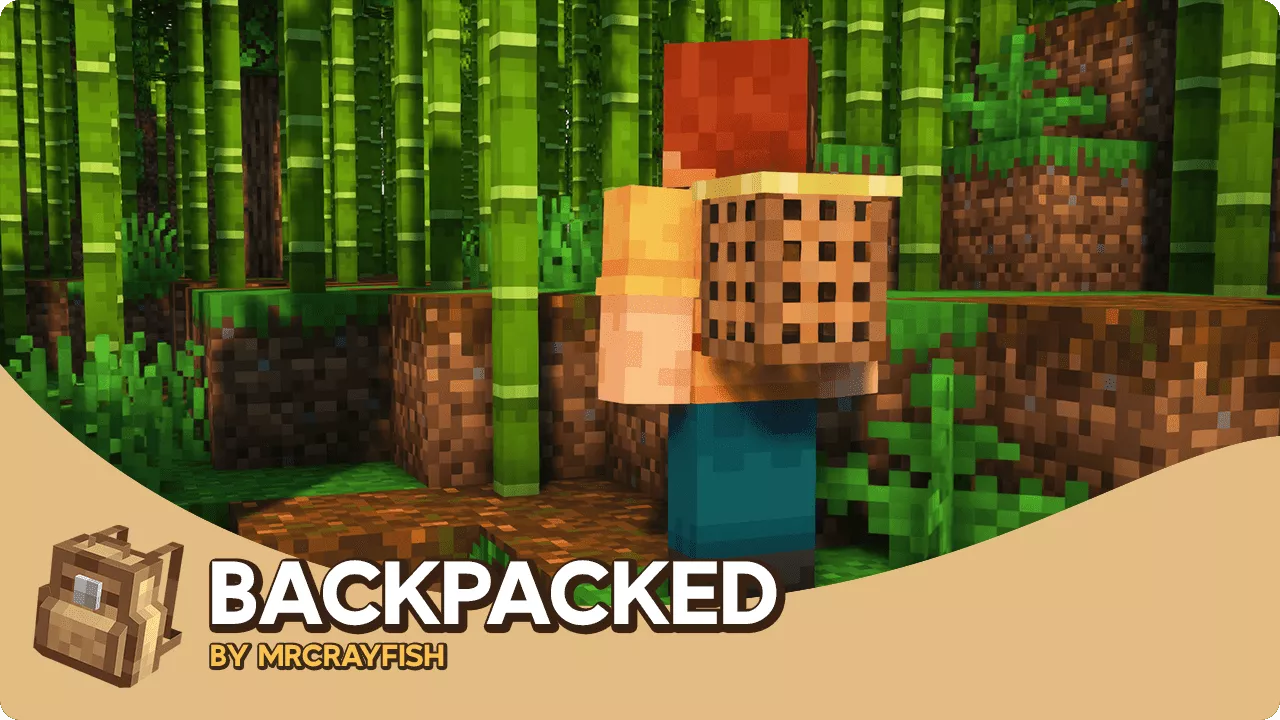
This mod is a MrCrayfish mod. See all his stuff here
Create (Create-Fabric)
Create is a mod offering a variety of tools and blocks for Building, Decoration and Aesthetic Automation.
Approved Version: 0.5.1-build.1631
View this mod on Modrinth for more information.
Create: Copycats
Add-on for the Create mod.
Adds more features to Create, but you can see all the changes on GitHub.
Furniture
A MrCrayfish Mod:
MrCrayfish's Furntiure Mod, built from the ground up with brand new blocks, models, original sounds, and gameplay mechanics. Experience the new yet familiar charm of the original mod, and furnish your house with the hundreds of new and original decorational and functional blocks. Jump into new gameplay mechanics with the introduction of the electricity system to power all your appliances and electronics.
Approved Version: 1.0.14

This mod is a MrCrayfish mod. See all his stuff here
Gravestones
Gravestones make a grave appear on depth. Use /flan unlock to unlock the grave to other players, and mine the gravestone to get the items into your inventory.
Approved Version: 1.15.0
This mod was made by Geometrically.
View this mod on Modrinth for more information.
PlasmoVoice
This is our Proximity Voice Chat mod.
REQUIRED VERSION: 2.1.5
Features:
- RNNoise noise reduction.
- OpenAL sound engine, great audio positioning.
- Sound Physics Remastered compatability with pv-addon-soundphysics.
- Change voice chat distance.
- Optional sound-occlusion. Muffles the sound if blocks are in the way.
- Select output and input devices.
- Choose between Push to Talk or Voice Activation.
- Optional Directional Sources. Makes the sound source quieter if it's not looking directly at you.
- Choose the position of the GUI icons and toggle the visibility of the player icons.
- Mute and change the volume of the players in the Minecraft social menu.
- Hold RBM while looking at the player, and then use the scroll wheel to adjust the volume.
- Stereo Sources.
- Discord-like overlay.
- Smooth volume controls.
Sodium
Sodium is a game rendering optimization mod that increases game performance without affecting gameplay.
Required Version: 0.5.13
Waystones
This mod adds waystone blocks that the player can return to once they've been activated, either through a Warp Scroll, a rechargeable Warp Stone, or by using an existing waystone to hop from one to the other.
Approved Version: 2.5.1
Noticable features:
- Craftable Waystones, Warp Plates and Warp Scrolls
- Teleporting from one place to another using Waystones
This mod was made by BlayTheNinth.
View this mod on Modrinth for more information.
List of Libraries
The following mods are Libraries to ensure the mods work correctly. They do not have a function in-game.
- Badpackets
- BALM
- collective
- fabric-api
- Framework
- Monolib
- OtterLib